Web experiments
Can an Entire Website Fit Inside One QR Code?
I packed HTML, CSS, and JavaScript into a 1,174-byte QR payload, decoded it twice, and ran the recovered website offline with zero HTTP requests.
Summarize this article
Open a prefilled request in your preferred assistant.
TL;DR
Yes -- if by "website" we mean a small, self-contained HTML page rather than Slack with a new hat. I fit the page, its CSS, and working JavaScript into an 863-byte HTML document, wrapped that document in a 1,174-byte data: URL, encoded the payload as a QR code, recovered the exact bytes with two independent decoders, and opened those recovered bytes in offline Chromium. The browser recorded zero HTTP requests; two button clicks changed both the counter and the page color, so this was executable code rather than a screenshot wearing business casual.
The actual source, compiler, QR images, benchmark data, and verification scripts are in the experiment package and its immutable public Blog Labs mirror. There is one important boundary: I proved the QR and the browser payload work, but I did not prove that every stock phone camera will agree to open a data: URL. A scanner can decode the bytes perfectly and still refuse to navigate to a non-HTTP scheme.
I put a website inside a QR code, and it worked; then I had to make the background turn pink to prove the JavaScript was not decorative.
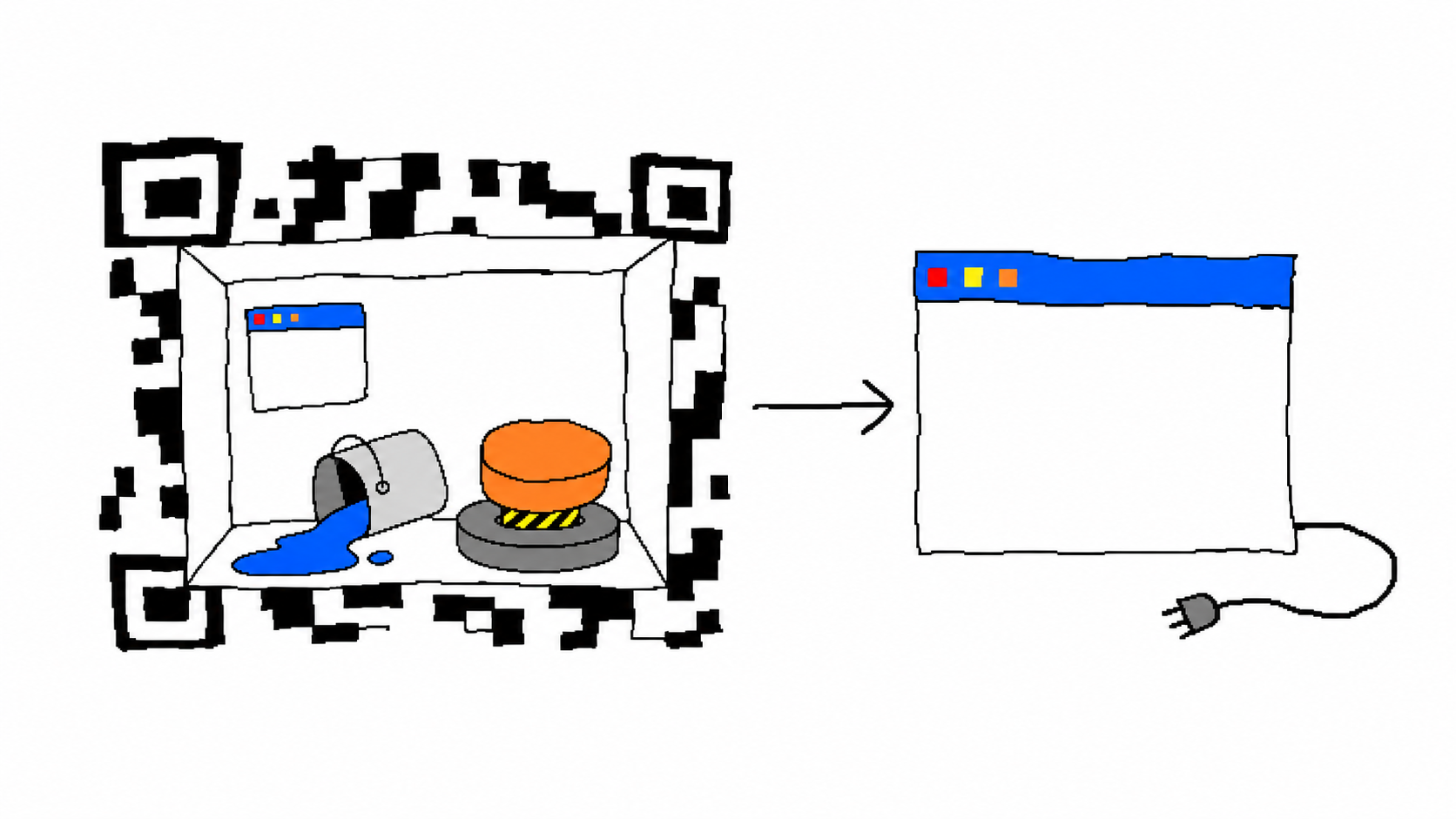
The QR code cannot secretly be a link
Most QR codes on posters contain something like https://example.com; the square stores a short address, then the browser asks a server for the actual page. That is sensible engineering, but it does not answer the question because the website still lives somewhere else.
For this experiment, "the website is inside the QR code" meant four specific things:
- The QR payload had to contain the complete HTML, CSS, and JavaScript.
- A decoder that did not create the QR had to recover the exact payload bytes.
- The browser had to open those recovered bytes while offline, with no substitution from the source file.
- The page had to execute JavaScript and change state, because displaying one line of HTML would be technically correct in the least satisfying way available.
That boundary matters because a demo can look identical while proving almost nothing. If I generated a QR link to a hosted page, turned off Wi-Fi after the page loaded, and started saying "edge computing," the browser cache would deserve the byline.
A data URL is a tiny envelope for a whole document
The mechanism is old and pleasantly blunt. RFC 2397 defines the data: URL scheme for embedding small data items directly in a URL; instead of pointing at a resource, the URL carries the media type and the resource itself.
The payload in this experiment has this shape:
data:text/html;base64,PGh0bWw+Li4uPC9odG1sPg==Everything after the comma is the HTML document encoded as Base64. The browser decodes it, sees text/html, builds a document, parses the inline <style> and <script>, and renders the page without asking a web server for permission.
Base64 costs space: every three input bytes become four output characters, apart from padding at the end. My minified HTML was 863 bytes; Base64 expanded it to 1,152 bytes, then the data:text/html;base64, prefix added 22 more. The final QR payload was therefore 1,174 bytes, and its SHA-256 was:
998286d2716dfc6c399ab56c0515ec2fdb12fa353daa34d1b6410d8fb142a2a2I used Base64 because it makes the byte boundary boring. Percent-encoding raw HTML can be smaller for some documents, but every reserved or unsafe character changes the calculation; Base64 wastes a predictable third of the room and gives the verifier one ASCII string to hash. At this size, predictable waste was a better deal than clever punctuation accounting.
The capacity budget gets ugly quickly
A Model 2 QR code has 40 versions. Version 1 is a polite 21 by 21 modules; each later version adds four modules per side until version 40 reaches 177 by 177. DENSO WAVE's official QR version table lists a maximum capacity of 2,953 binary bytes for the largest symbol, although the usable capacity falls when stronger error correction is selected.
QR error correction has four levels: L, M, Q, and H. DENSO WAVE describes their approximate restoration capability as 7%, 15%, 25%, and 30% of codewords respectively in its standards overview. More recovery data means fewer bytes remain for the website, so the same payload produces a larger symbol as the correction level rises.
That tradeoff showed up immediately. My first page minified to 1,118 bytes and became a 1,514-byte data URL; it fit L, M, and Q, but the Python encoder tried to move H to version 41, which does not exist. I removed 255 bytes of HTML and CSS, brought the payload down to 1,174 bytes, and all four levels fit:
| Correction level | QR version | Symbol modules per side | Modules with quiet zone |
|---|---|---|---|
| L | 25 | 117 | 125 |
| M | 28 | 129 | 137 |
| Q | 34 | 153 | 161 |
| H | 39 | 173 | 181 |
The H symbol is one version below the absolute maximum; printing it on a bottle cap would be an act of hostility. The M symbol is still dense, but it leaves more physical room per module at the same printed size and gives the decoder some redundancy, so I used M as the browser input after both decoders agreed on it.
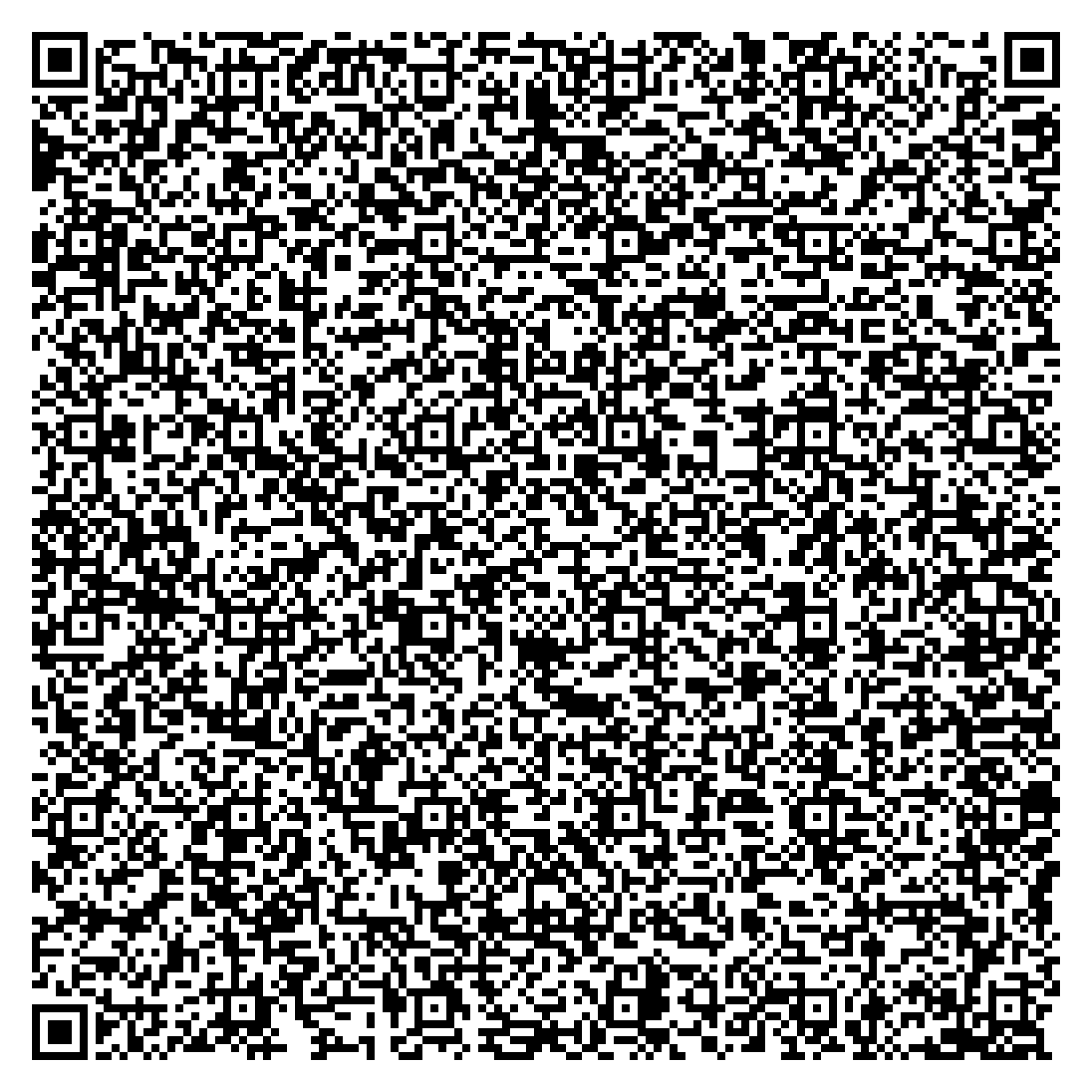
data:text/html;base64,, it decoded the payload; whether the scanner lets you open that string is a separate product decision. Source: generated by the published experiment.The build is small enough to understand without a framework diagram
The compiler performs five operations:
- Read
site.html. - Remove redundant whitespace from HTML, CSS, and JavaScript.
- Base64-encode the minified document.
- Prefix the encoded data with
data:text/html;base64,. - Generate PNG and SVG symbols at L, M, Q, and H correction levels.
The encoder is qrcode 8.2, and I set optimize=0 so the library treats the payload as one segment rather than making an undocumented optimization decision on my behalf. The build writes a manifest containing the source, minified-document, and payload hashes along with every selected version and module count; the verifier refuses to continue if the payload hash no longer matches that manifest.
The page itself has one heading, a paragraph, a button, a counter, and enough CSS to look like somebody cared for several hundred milliseconds. Its JavaScript is intentionally tiny:
let n=0;
b.onclick=()=>{
  o.value=++n;
  document.body.style.backgroundColor=n%2?'#bdf':'#fbd';
};
The original source remains readable-ish, while the generated document is the one that gets encoded. This separation kept the byte budget visible without forcing me to hand-author 863 bytes of compressed punctuation like a Victorian telegram operator with npm installed.
Encoding a QR code is not the same as proving it decodes
An encoder successfully saving a PNG proves that the encoder successfully saved a PNG. To test the actual handoff, I passed the generated images through two unrelated decoder implementations: OpenCV's QRCodeDetector and ZXing-cpp.
Each decoder saw 12 synthetic cases per correction level:
- one baseline image at ten pixels per module;
- six resized images from one through eight pixels per module;
- five images with a centered white square covering 0.25% through 6.25% of the total image area.
That produced 96 decoder cases. A case passed only when the decoded string matched all 1,174 expected bytes; "the detector found a square and returned most of a URL" received the same score as soup.
| Decoder | L exact | M exact | Q exact | H exact |
|---|---|---|---|---|
| OpenCV 4.13 | 0/12 | 9/12 | 0/12 | 10/12 |
| ZXing-cpp 3.1 | 12/12 | 12/12 | 12/12 | 12/12 |
The exact values stay in the table and the raw benchmark.csv, because asking an image model to remember eight fractions is how a technical blog becomes fan fiction.
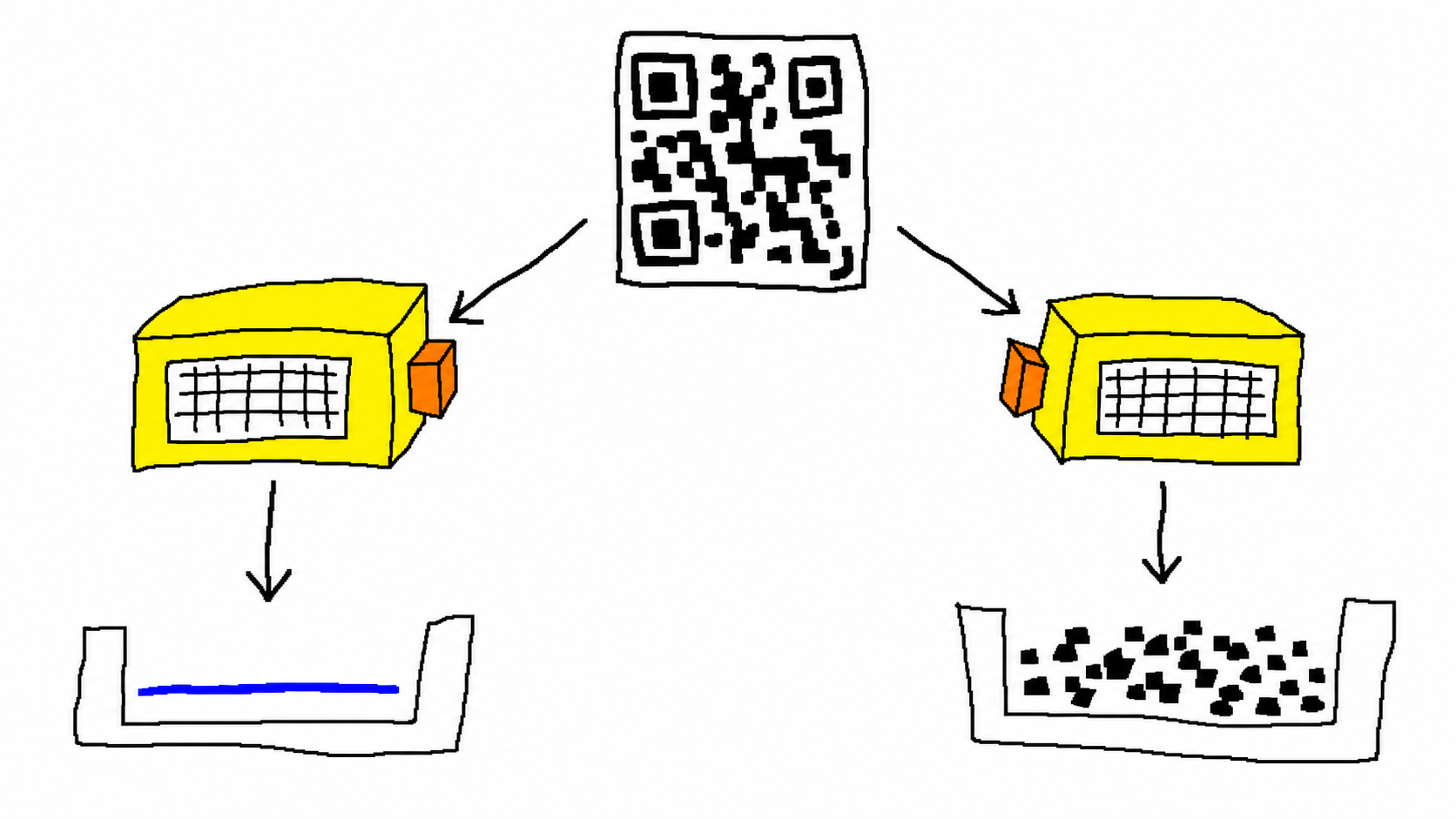
This benchmark measures clean generated images, deterministic resizing, and centered white occlusion. It does not measure camera focus, glare, paper texture, hand movement, or the spiritual violence of a cracked screen protector.
The result is not evidence that L and Q are broken. ZXing decoded both of them in every case, which tells us the symbols contained valid data; OpenCV's misses came from this decoder, this payload, and these generated patterns. Error correction protects the encoded message after modules have been read, while detection, sampling, and binarization decide what those modules are in the first place. A stronger correction level can repair more wrong codewords, but it cannot guarantee that every decoder will locate and sample a dense symbol successfully.
That distinction was the most useful result in the experiment. "Use H because H is strongest" sounds reasonable until H makes the symbol larger, shrinks each printed module, and hands a harder image to the detector; reliability belongs to the whole path from physical pixels through sampling and correction, not one letter in the encoder settings.
The browser received decoded bytes, then I cut the internet
For the final proof, the verifier selected the M symbol because both OpenCV and ZXing recovered its baseline payload exactly. It wrote ZXing's recovered string to decoded-payload.txt, hashed the file, compared the hash with the build manifest, and only then gave that string to Chromium 145 through Playwright.
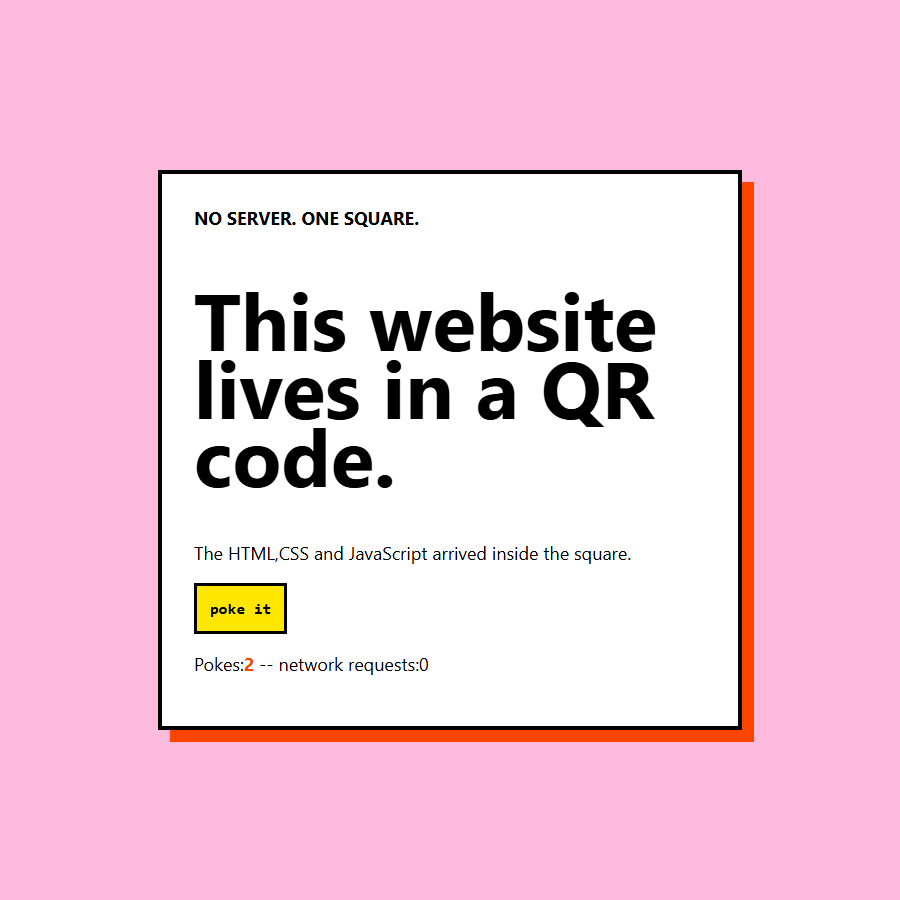
The browser context was offline before navigation. The test recorded every HTTP or HTTPS request, loaded the decoded data: URL, checked the title and heading, clicked the button twice, inspected the counter and computed background color, and captured a screenshot. The result was:
{
  "offline": true,
  "protocol": "data:",
  "counter_before": "0",
  "counter_after_two_clicks": "2",
  "body_background_after_two_clicks": "rgb(255, 187, 221)",
  "resource_entries": 0,
  "http_requests": [],
  "passed": true
}
What this proves, and what your phone may still refuse to do
The experiment proves that a standards-shaped QR symbol can contain a complete interactive page, two independent libraries can recover its exact bytes, and a current Chromium build can execute those recovered bytes offline with zero external resources. It also proves that 1,174 bytes is enough room for a surprising amount of web design if the design accepts that its database is the number two.
It does not prove universal phone-camera compatibility. A camera application can recognize a QR code, classify the payload, and decide that only https: links deserve a navigation button; in that case the QR layer worked while the scanner UI declined the next step. I did not test a matrix of iOS versions, Android vendors, camera applications, browsers, lenses, print sizes, and lighting conditions, so the article does not claim that pointing any phone at the image will immediately open the page.
There is also a security reason for that caution. A data: page can contain executable JavaScript, and the WHATWG URL Standard assigns non-HTTP schemes such as data: an opaque origin rather than a normal site origin. That isolation is useful, but it does not turn unknown code into friendly code; a page can still display a convincing interface or attempt network requests unless the browser or test context blocks them. Scanning an arbitrary executable page is closer to inserting a tiny USB drive than reading a restaurant menu, except the USB drive is square and everybody has been trained to point a camera at it.
Reproduce it instead of trusting the pink screenshot
The complete experiment package includes pinned Python and Node dependencies, the readable site, the minifier and encoder, both decoders, the browser test, all four QR levels, and the raw 96-case benchmark. On Windows, the core run is:
python -m venv .venv
.\.venv\Scripts\python.exe -m pip install -r requirements.txt
npm install
npx playwright install chromium
.\.venv\Scripts\python.exe build_qr.py
.\.venv\Scripts\python.exe verify_qr.py
node verify_browser.mjs
I reran that sequence in a fresh virtual environment with Python 3.10.11, qrcode 8.2, OpenCV 4.13.0, ZXing-cpp 3.1.0, and NumPy 2.2.6. The clean run produced the same 1,174-byte payload hash, the same QR versions, the same 67 exact matches across 96 decoder cases, and a passing offline browser verification.
There are obvious extensions if anybody wants to make the square more deranged: compare percent-encoded HTML with Base64, use compression plus a tiny decompressor, photograph printed symbols at controlled distances, sweep module sizes and blur kernels, or build a scanner that treats approved data: payloads as documents instead of suspicious strings. The current artifact stays smaller on purpose because every extra mechanism would create another place for the website to be hiding.
Sources and artifacts
- Complete reproducible experiment package
- Build manifest, byte counts, hashes, QR versions, and module counts
- QR decoder verification summary
- Offline Chromium verification record
- Raw 96-case decoder benchmark
- RFC 2397: The data URL scheme
- DENSO WAVE QR version and capacity table
- DENSO WAVE QR standards and error correction overview
- Python qrcode repository
- ZXing-cpp repository
Download and cite the experiment
The immutable Blog Labs v1.0.0 release preserves the exact payload, QR variants, two decoder paths, browser record, benchmark, and verifier; use its CITATION.cff when citing the result.
Conclusion
An entire small website can fit inside one QR code; this one occupies 1,174 payload bytes, includes HTML, CSS, and JavaScript, survives exact recovery by two decoder implementations at the chosen M level, and runs in offline Chromium without a single HTTP request. The limiting factor is not merely the QR capacity table because the encoder, correction level, physical module size, decoder, scanner policy, and browser all get a vote.
The useful engineering lesson is equally small: define the boundary, hash the handoff, and test the recovered artifact rather than the convenient source copy. The less useful lesson is that the server can be a square now. I am sure this will improve society.